
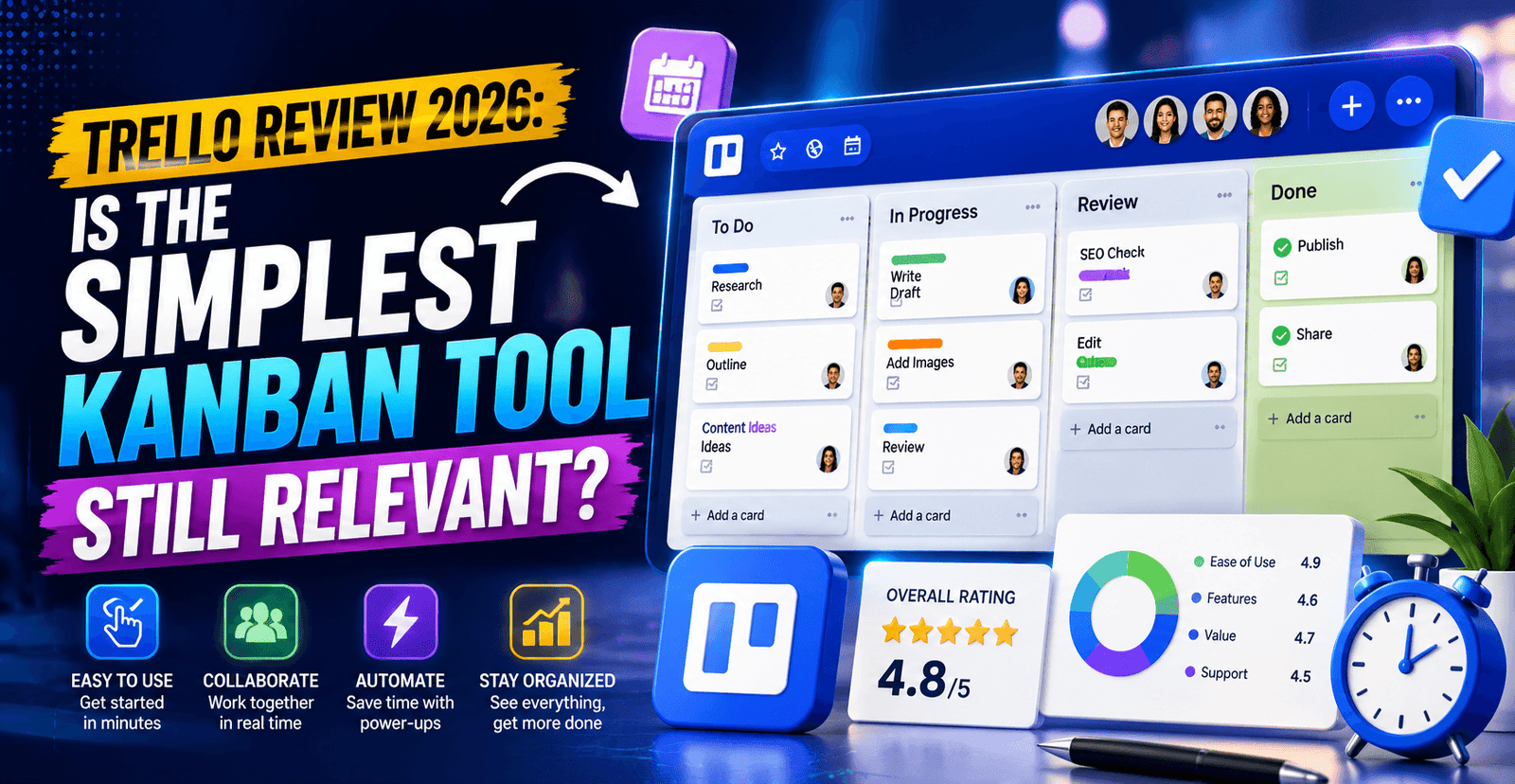
Trello launched publicly in 2011 and was spun out of Fog Creek Software in 2014 under founders Joel Spolsky and Michael Pryor. Its pitch has never changed: a visual Kanban board — cards moving across lists — with almost no learning curve. In January 2017, Atlassian acquired Trello for approximately $425 million, made up of roughly $360 million in cash and the remainder in Atlassian stock, at a time when Trello had around 19 million registered users. Today that number has grown to more than 35 million, though Trello has also become one of the most feature-light options in a category increasingly dominated by all-in-one platforms like ClickUp and monday.com. This review asks a direct question: in an AI-driven, feature-dense 2026 market, is Trello’s simplicity still a selling point, or has it become a limitation?
Trello’s Position Inside Atlassian
Because Trello operates as a standalone product line inside publicly traded Atlassian (NASDAQ: TEAM), it does not disclose independent revenue figures — but its acquisition price and user growth trajectory are matters of public record. At the time of acquisition, Trello had scaled to roughly 19 million users on approximately $10.3 million in total prior funding, implying Atlassian paid a significant premium for distribution and brand recognition rather than for revenue already in hand. Since the acquisition, Atlassian has periodically tightened Trello’s free tier — including a 2019 change limiting free workspaces to 10 open boards — a monetization pattern reviewers frequently cite as evidence that Trello’s free plan has become gradually less generous over time.
Trello Pricing in 2026
| Plan | Price (billed annually) | Best For |
|---|---|---|
| Free | $0 (10 boards per workspace) | Individuals and very small teams |
| Standard | $5–6 / user / month | Small teams needing unlimited boards, custom fields |
| Premium | $10–12.50 / user / month | Teams needing Timeline, Calendar, Dashboard views |
| Enterprise | $17.50 / user / month (25–50 seat minimum) | Large organizations needing SSO, org-wide governance |
At the Standard and Premium tiers, Trello remains the cheapest named platform in this five-part review series — meaningfully less expensive than ClickUp’s Unlimited plan and roughly half the cost of Asana’s Starter tier. The catch is what that lower price does not include: there is no native time tracking on any Trello plan, and single sign-on requires a separate Atlassian Access purchase outside of the Enterprise tier, which itself carries a steep 25-seat minimum.
Enterprise pricing follows a volume curve similar to Asana and monday.com: the base rate of $17.50/user/month applies at the 25-seat minimum, but per-user cost typically declines as headcount scales well beyond that threshold, making Enterprise more competitive for organizations already standardizing on Atlassian’s broader suite (Jira, Confluence) than for a Trello-only deployment. On the support side, independent review aggregation flags a recurring complaint pattern similar to what shows up in Notion’s billing reviews: some Trustpilot reviewers describe difficulty reaching Atlassian directly about payment disputes, a friction point worth factoring in for finance teams that expect fast billing support.
What Roughly 14,000 G2 Reviewers Say
Trello holds a 4.4 out of 5 rating on G2 based on more than 14,000 reviews — respectable, though the lowest average score among the five tools covered in this series, tied with Asana. G2’s own comparative data shows Trello scoring particularly well on ease of use (9.0/10) and ease of setup (9.1/10), both meaningfully higher than heavier competitors like ClickUp. Reviewers consistently praise Trello’s Butler automation engine — included even on the free plan — as a standout feature that reduces repetitive manual card management without requiring a paid upgrade.
Where Trello Genuinely Wins
- Unmatched simplicity. There is effectively no learning curve; new users are productive within minutes, a claim few competitors in this review series can make.
- Butler automation on the free plan. Rule-based automation (250 runs/month on Free) is a genuinely generous inclusion competitors typically reserve for paid tiers.
- Lowest entry price for paid features. At $5–6/user/month, Standard undercuts every other tool in this review series at a comparable feature level.
- Deep Power-Up ecosystem. Third-party and Atlassian-built integrations extend Trello into Gantt views, time tracking, and reporting — though often at additional cost, addressed below.
Where Trello Falls Short
- No native time tracking. Every other platform in this review series ships time tracking on at least one paid tier; Trello requires a third-party Power-Up.
- Shallow reporting. Dashboard reporting is noticeably thinner than Asana’s Portfolios or monday.com’s dashboards, a common complaint in independent reviews.
- Power-Up costs add up. Some essential integrations carry their own separate subscription fees — one frequently cited example describes a mirroring Power-Up costing $65 per team member per board.
- Single-workspace cap on Premium. Multi-department organizations often find themselves needing Enterprise, with its steep 25-seat minimum, sooner than expected.
Power-Ups, Integrations, and Implementation Reality
Trello’s integration model works differently from the other tools in this review series: rather than shipping native modules for time tracking, Gantt charts, or reporting, Trello relies on its Power-Up marketplace, where both Atlassian and third-party developers publish add-ons that plug directly into a board. This keeps the core product light and fast, but it also means the “real” cost of a fully-featured Trello setup is harder to predict than a single per-seat price, since teams often stack two or three paid Power-Ups on top of a Standard or Premium subscription to match functionality that ClickUp or monday.com include natively.
Implementation is, unsurprisingly, the fastest in this entire review series — most individuals and small teams are fully productive within an hour of creating their first board, with no formal onboarding process required. That speed is Trello’s core value proposition and the main reason it still shows up as a common recommendation for freelancers and very small teams, even as its market share among mid-size and enterprise buyers has shifted toward heavier platforms over the past several years.
Who Trello Is Actually Built For
Trello remains the right starting point for individuals, freelancers, and small teams (roughly 2–10 people) running straightforward workflows that fit comfortably on a Kanban board — content calendars, simple sales pipelines, personal task tracking. It is also a reasonable fit for mid-size teams of 10–30 people that specifically need calendar and timeline views without the complexity of a full work management suite, provided they are comfortable budgeting for the Premium tier. Teams that need native time tracking, deep reporting, or multi-department governance will very likely outgrow Trello and should look at ClickUp, Asana, or monday.com instead — and given Trello’s own pricing guides increasingly point in that direction for growing teams, that is a conclusion Trello’s own positioning does not try particularly hard to hide.
Switching costs are correspondingly low: because most Trello boards map to a simple list-of-cards structure, migrating to Asana, ClickUp, or monday.com later is generally straightforward, and all three competitors offer dedicated Trello import tools. That makes Trello a genuinely low-risk starting point for teams that are not yet sure which platform they will eventually standardize on.
Trello vs. the Rest of the Market
Against ClickUp and monday.com, Trello is simpler and cheaper but far less capable at scale — the trade is speed of adoption versus depth of functionality. Against Asana, Trello wins decisively on price and ease of use but loses on reporting and dependency management. Against Notion, the two barely overlap in purpose: Trello is a focused task board, Notion a general-purpose workspace.
Frequently Asked Questions
Is Trello still worth using in 2026?
For simple, visual task tracking, yes — its ease of use score on G2 remains among the highest in the category, and the free plan is still functional for small teams.
Does Trello have native time tracking?
No. Time tracking requires a third-party Power-Up, unlike ClickUp, Asana, or monday.com, which include it natively on paid plans.
Who owns Trello?
Atlassian, which acquired Trello in January 2017 for approximately $425 million and continues to operate it as a standalone product alongside Jira and Confluence.
Can I import my Trello boards into another tool later?
Yes — Asana, ClickUp, and monday.com all offer dedicated one-click Trello import tools, which is one reason Trello remains a low-risk starting point for teams still evaluating their long-term platform.
Final Verdict
Trello’s 4.4/5 G2 rating and 14,000+ reviews confirm what its simplicity-first pitch has always promised: for straightforward Kanban tracking, it remains one of the easiest and cheapest tools to adopt in this category. What it no longer promises — and has not for some time — is to be a complete work management platform. Teams should treat Trello as a purpose-built board tool rather than a Notion, ClickUp, or monday.com alternative, and budget for a switch once reporting, time tracking, or multi-team governance needs outgrow what a Kanban board alone can support.