

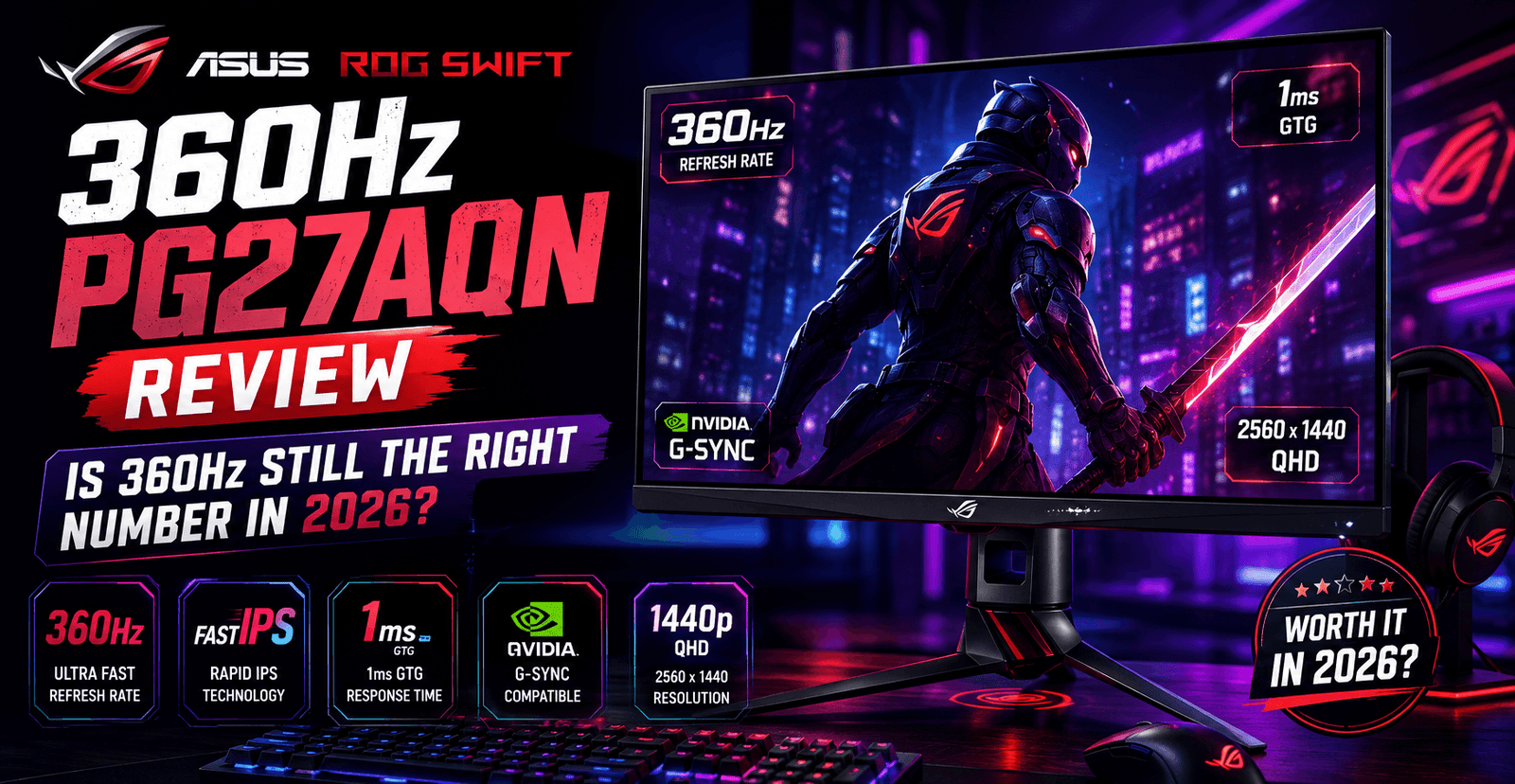
The ASUS ROG Swift 360Hz PG27AQN was the first monitor to combine a 1440p resolution with a 360Hz refresh rate, breaking a long-standing assumption that esports-tier refresh rates required dropping down to 1080p. Years after launch, with 1440p OLED panels and even 540Hz 1080p TN alternatives now on the market, the question worth asking is not whether the PG27AQN was impressive in 2023 — it clearly was — but whether 360Hz IPS at 1440p is still the right specification target for competitive players buying today, or whether the market has moved past it.
Key Specifications
| Spec | Detail |
|---|---|
| Panel | 27″ Fast IPS, 2560×1440 (QHD) |
| Refresh rate | 360Hz, native NVIDIA G-SYNC module (not G-SYNC Compatible) |
| Response time | 1ms (GTG) |
| Motion clarity feature | G-SYNC ULMB 2, rated by ASUS at up to roughly 1,000Hz-equivalent effective motion clarity |
| Brightness | 400 cd/m² typical, 600 cd/m² HDR peak; DisplayHDR 600 certified |
| Color | 98% DCI-P3, 135% sRGB coverage |
| Contrast ratio | 1000:1 typical (standard for IPS) |
| Extras | Built-in NVIDIA Reflex Latency Analyzer |
| Launch MSRP | $999–$1,049 |
| Current street price | Roughly $650–$680 |
The Core Trade-off: Resolution vs. Refresh Rate
Before the PG27AQN, esports-caliber refresh rates essentially forced a choice: accept 1080p to hit 240Hz and above, or accept a lower refresh rate to get a sharper, larger 1440p image. The PG27AQN’s real achievement was proving that trade-off no longer had to be absolute, delivering both a genuinely sharp 1440p image and a refresh rate high enough to matter competitively, verified through independent motion-clarity testing as offering some of the cleanest, least-blurred fast motion available in its class at launch.
The honest caveat, repeated across nearly every serious review of this monitor, is that most modern games are not going to run anywhere near 360 frames per second at 1440p with meaningful detail settings on anything short of a high-end enthusiast GPU — and competitive titles like Valorant and CS2, which are the games where 360Hz is most relevant, are also the ones best optimized to actually hit those frame rates on modest hardware. In other words, the panel’s headline number is most useful specifically for the esports titles it is marketed toward, and considerably less useful for AAA single-player gaming, where you would be spending well below the monitor’s ceiling regardless.
G-SYNC ULMB 2 vs. the Newer Field
The native G-SYNC module, rather than the more common “G-SYNC Compatible” certification found on cheaper monitors, is what enables ULMB 2 — a backlight strobing technique that reduces perceived motion blur without the brightness penalty that plagued earlier motion-blur-reduction implementations. ASUS’s marketing claims this delivers motion clarity roughly equivalent to a 1,000Hz display, though that figure describes perceived clarity rather than an actual measured refresh rate, and independent lab testing has generally confirmed excellent, best-in-class motion handling for the monitor’s class rather than validating the specific marketing number itself.
What has changed since launch is the competitive landscape around it. Several 1440p 360Hz OLED alternatives, such as the MSI MAG 271QPX, have since entered the market, offering the near-instant pixel response and superior contrast inherent to OLED technology, at the cost of typically lower peak brightness and long-term burn-in considerations that IPS panels do not share. For players who prioritize contrast and true blacks over peak brightness and burn-in-free longevity, an OLED alternative at a similar refresh rate is now a legitimate competing choice that did not exist when the PG27AQN launched.
Where It Loses Ground
Independent testing has consistently flagged the PG27AQN’s contrast ratio — a fairly standard 1000:1 for IPS technology — as its weakest technical point, particularly for any HDR or dark-scene content where OLED and even some VA panels pull ahead. The lack of a USB-C DisplayPort Alt-mode input is also a notable omission at this price point, forcing reliance on traditional DisplayPort and HDMI connections rather than a single-cable laptop hookup. Viewing angles, while respectable for competitive desk use, are rated as merely “okay” for off-axis media consumption, reinforcing that this is a monitor built first for a single player sitting dead-center, not a shared living-room display.
Pricing Reality in 2026
This is where the PG27AQN’s case strengthens considerably. At its original $999–$1,049 launch pricing, it was a genuinely hard sell against cheaper 1080p 240Hz–360Hz alternatives. Selling today at roughly $650–$680, the value equation shifts meaningfully — you are getting a still-rare combination of native G-SYNC, 1440p resolution, and 360Hz refresh at a price that now undercuts some newer 1440p 360Hz OLED competitors, while avoiding OLED’s burn-in risk for players who leave static HUD elements on-screen for extended competitive sessions.
Who Should Buy This
The PG27AQN remains a strong pick for competitive players with a GPU capable of actually pushing esports titles toward 360 frames per second, who want 1440p sharpness without sacrificing refresh rate, and who prefer IPS’s burn-in-free longevity over OLED’s superior contrast. Players on more modest GPUs who cannot realistically exceed 240fps in their games of choice, or players who value HDR contrast and true blacks more than raw refresh rate, are better served by a cheaper 1440p 240Hz IPS panel or a 1440p OLED alternative, respectively.
Response Time and Overdrive Behavior
The rated 1ms gray-to-gray response time is a manufacturer figure that, as with most monitors, represents a best-case scenario at the optimal overdrive setting rather than a universal number across all transitions. Independent testing has generally found the PG27AQN’s actual pixel response, especially at its fastest overdrive setting, to be excellent for an IPS panel and competitive with far more expensive alternatives, though — as with virtually every LCD panel pushed to aggressive overdrive settings — some very fast dark-to-light transitions can show minor overshoot artifacting under close scrutiny. For the vast majority of competitive play, this is not something players will consciously notice, and the panel’s overall motion handling remains one of its strongest, most consistently praised attributes across independent reviews.
Since the monitor uses a native G-SYNC module rather than adaptive sync alone, variable refresh rate operation is locked to NVIDIA graphics cards; AMD GPU owners will not get VRR functionality on this display, which is an important compatibility check before purchase given the monitor’s otherwise NVIDIA-centric feature set, including the built-in Reflex Latency Analyzer.
HDR Performance in Practice
The PG27AQN’s DisplayHDR 600 certification puts it a tier above entry-level HDR400 monitors but well below the OLED and mini-LED displays now capable of DisplayHDR 1000 or true per-pixel dimming. In practice, this means HDR content looks noticeably brighter and more vibrant than SDR on this panel, but without the deep, true blacks that make HDR most visually striking on higher-tier displays — a limitation shared by essentially all standard-backlit IPS monitors regardless of brand. Competitive esports titles rarely lean heavily on HDR to begin with, so this is a more relevant consideration for buyers who also use the monitor for single-player or cinematic content than for pure esports use, where the monitor’s core strengths of refresh rate and motion clarity matter far more than HDR depth.
Ergonomics and Build
The stand offers a full range of tilt, swivel, pivot, and height adjustment, which is a meaningful practical advantage for players who fine-tune monitor position around a keyboard-and-mouse setup rather than simply placing the display on a fixed riser. Build quality has been consistently rated as sturdy, with a stand base that takes up less desk space than its footprint might suggest, and the overall aesthetic follows ASUS’s established ROG design language of dark tones with accent branding, which will appeal to buyers already invested in the ROG ecosystem more than those seeking a neutral, understated display for a mixed home-office setup.
Frequently Asked Questions
Do I need a high-end GPU to actually benefit from 360Hz on this monitor?
For esports titles like Valorant and CS2 at competitive settings, a mid-to-high-end GPU can realistically approach or hit 360fps. For AAA titles with heavier graphical settings, most GPUs will fall well short of the panel’s ceiling, meaning the refresh rate advantage is most relevant specifically for the esports titles the monitor targets.
Is the PG27AQN worth it over a cheaper 1440p 240Hz monitor?
For players who can consistently push frame rates above 240fps in their competitive titles, the jump to 360Hz provides a further, if diminishing, reduction in motion blur and input-to-display latency. Players whose GPU or CPU caps them below 240fps in practice will not see meaningful benefit from the higher refresh ceiling and would get better value from a cheaper 240Hz panel.
Does this monitor work with AMD graphics cards?
It will display an image and function as a standard monitor, but variable refresh rate (G-SYNC) will not work with AMD GPUs due to the native G-SYNC module’s NVIDIA-only design.
Verdict
The ASUS ROG Swift 360Hz PG27AQN is no longer a category of one, but its combination of native G-SYNC, genuinely excellent motion clarity, and now-reasonable discounted pricing keeps it competitive against both newer OLED rivals and 1080p ultra-high-refresh alternatives. It remains most compelling specifically for the esports titles it was designed around, and considerably less so for anyone whose gaming diet is mostly AAA single-player content.
Score: 8.6/10 — Exceptional motion clarity and a rare 1440p/360Hz combination, held back only by IPS contrast limits and a launch price that has aged better than its original positioning suggested.